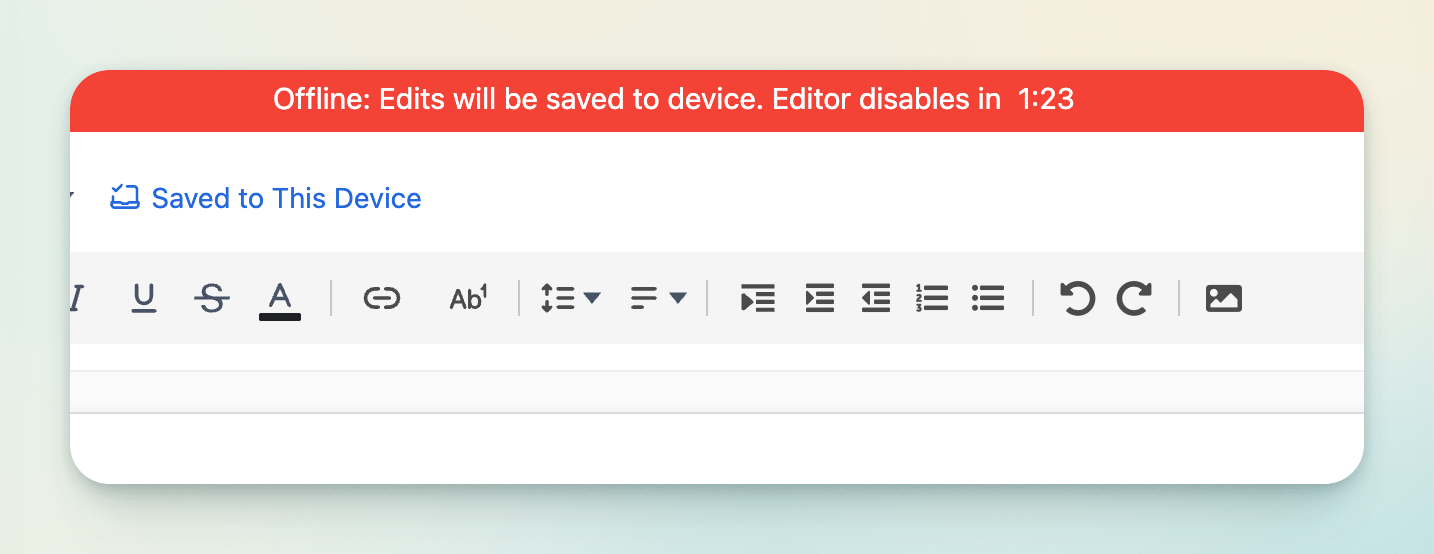
Rumi supports brief Internet disconnections of up to 1 minute and 30 seconds. After this duration, the editor is disabled and further input is prevented. Changes made during the disconnection are stored locally in the browser and automatically synchronized to the cloud once the Internet connection is restored.
Rumi saves work to the local device when a user is offline and disables editing after 1.5 minutes of disconnection
Connection Types
This section helps you understand if your internet connection will work well with our real-time collaboration software. We've organized common scenarios into three categories:
Reliable (works well)
Warning Signs (may have occasional issues)
Unreliable (will have problems).
For a quick check, try watching a YouTube video at 720p - if it plays smoothly, your connection should work fine. You can also find real-world examples for different locations like home, mobile, and public spaces to help you identify what kind of connection you have.