Real-time Group Assignments
Intro
Real-time Group Assignments in Rumi allow students to collaborate simultaneously on the same document, making group work more dynamic and engaging. Rumi automatically tracks the contributions of each author in the revision history, so both instructors and students can clearly see who wrote which parts of the document and when.
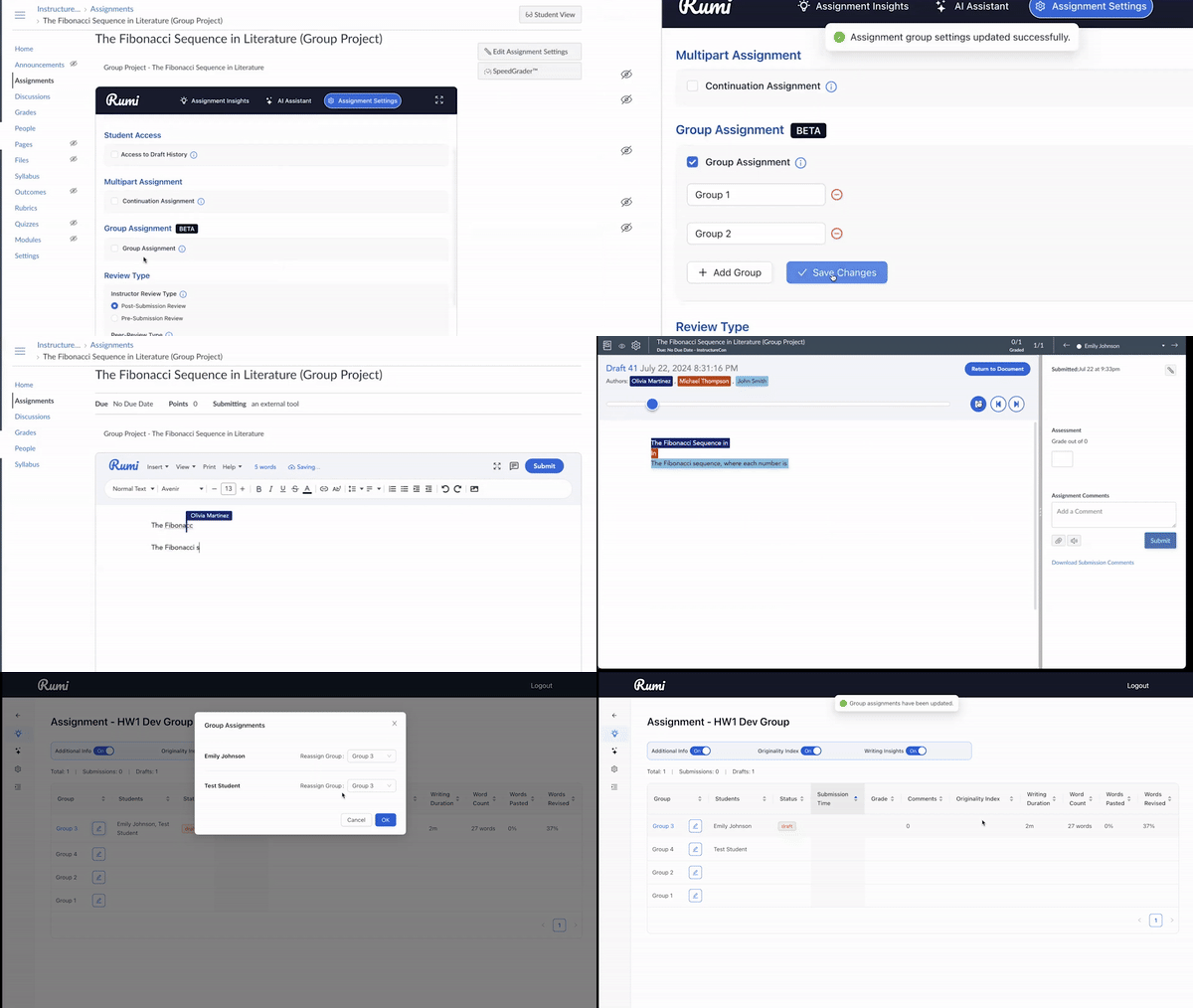
As students work together, they can also view live hovering cursors, showing in real time which sections their peers are editing. This creates a transparent and interactive group writing environment.
Group Creation
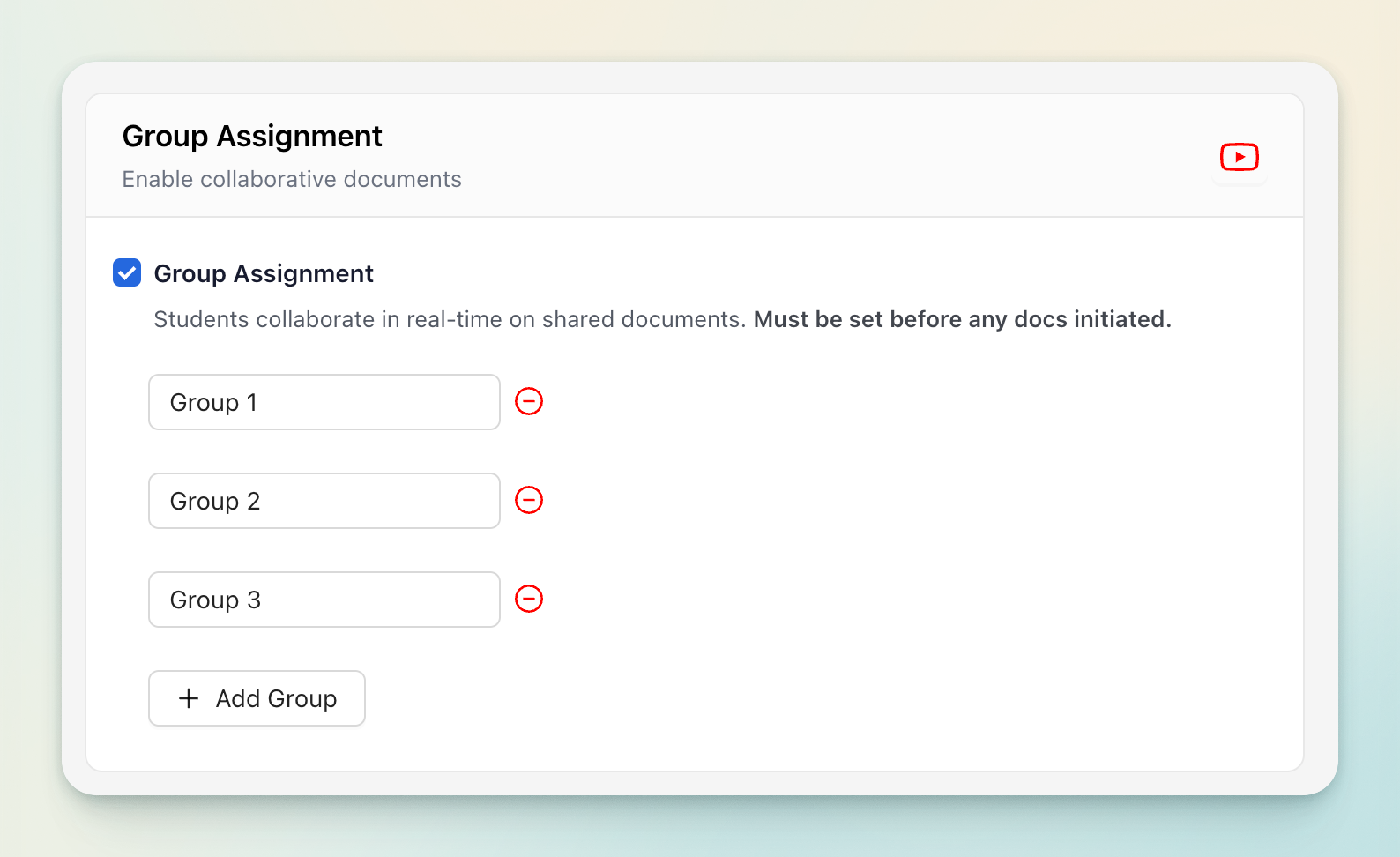
There are two ways to set up groups in Rumi: you can either create them manually or import them from Canvas
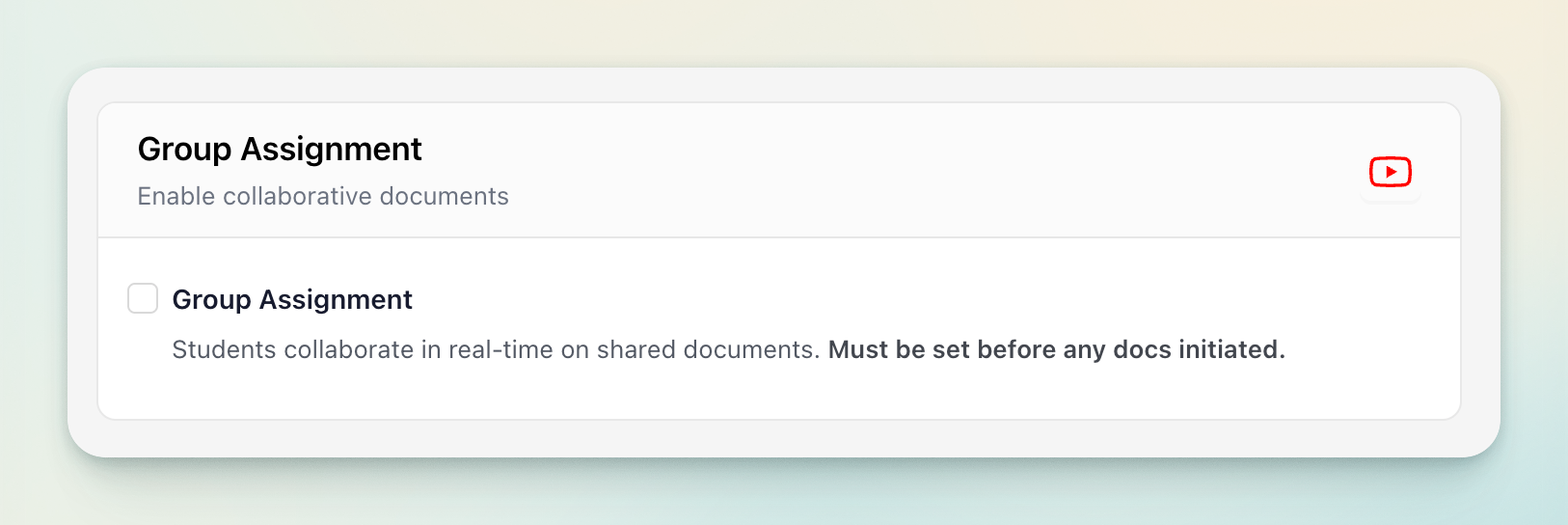
⚠️ Important: This setting must be enabled before any documents are generated for the assignment. Once even a single document is initiated, the continuation setting is locked and cannot be changed.
Manual Group Creation
For manual group creation, instructors are responsible for defining and setting up the groups, including assigning names to each group.
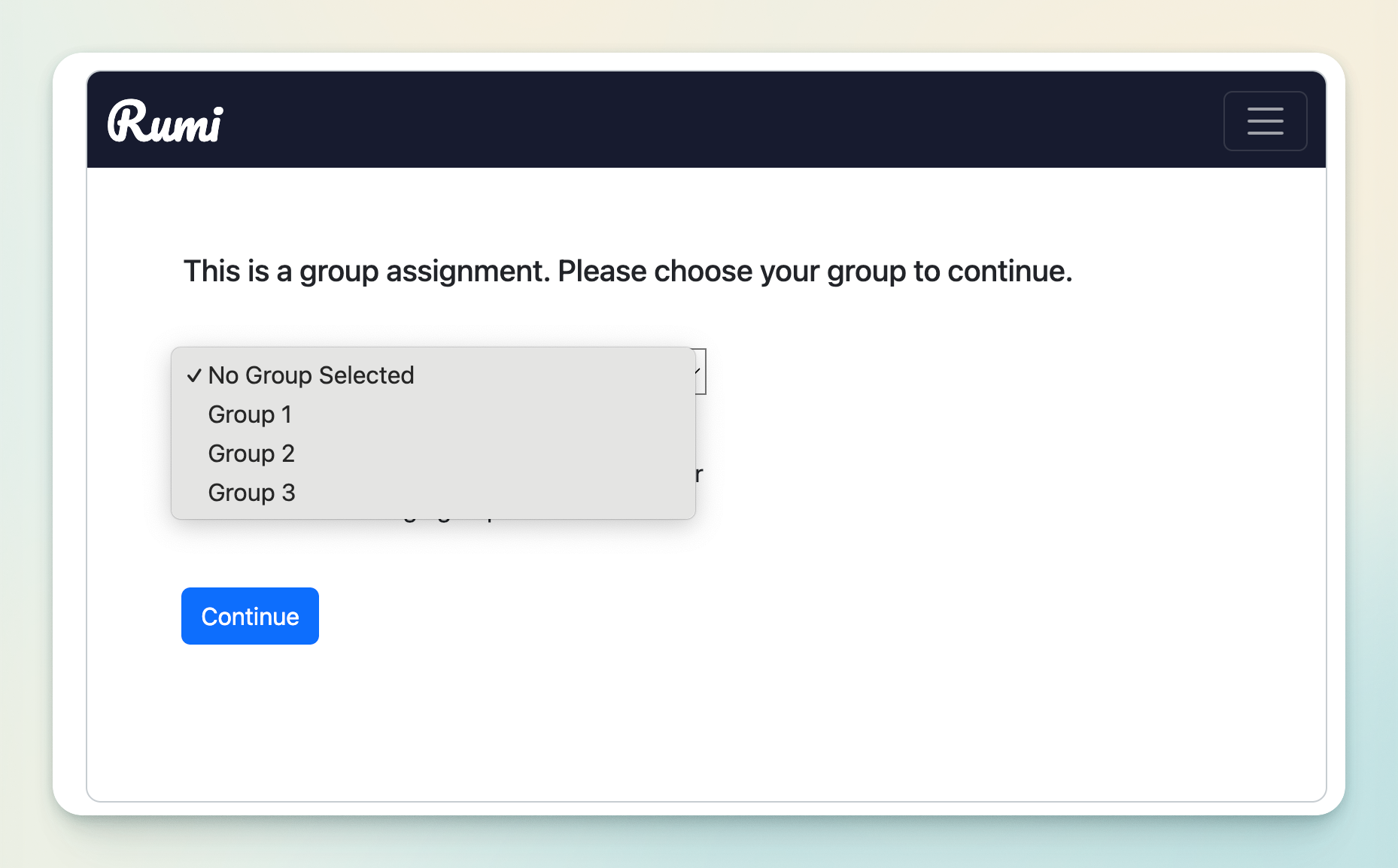
When students open a group assignment where groups have been manually created, they will be prompted to select their group the first time they access the assignment. After joining, students cannot switch groups on their own; only instructors or assignment administrators have the ability to modify group memberships. This ensures stability and prevents confusion during collaboration.
Canvas Groupset Import
⚠️ Important: The instructor must first create the groups in Canvas before building the group assignment in Rumi.
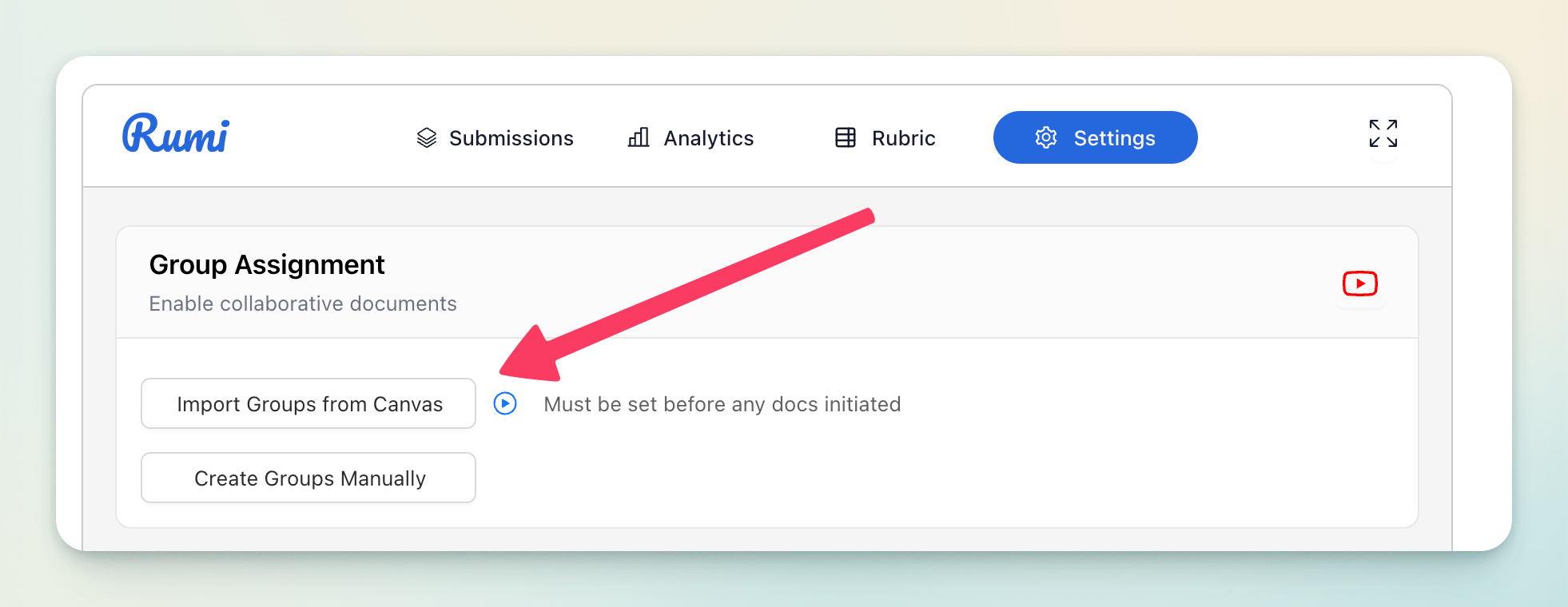
If your institution uses Canvas, Rumi can automatically import group structures from existing Canvas groupsets. Instructors can use the “Import from Canvas” function, and if multiple groupsets exist within the course, they will be prompted to choose the specific groupset they want to import.
Once imported, when students access the group assignment for the first time, they are automatically routed into their assigned group’s document, eliminating the need to manually select a group. This integration ensures consistency between Canvas and Rumi.
Group Management
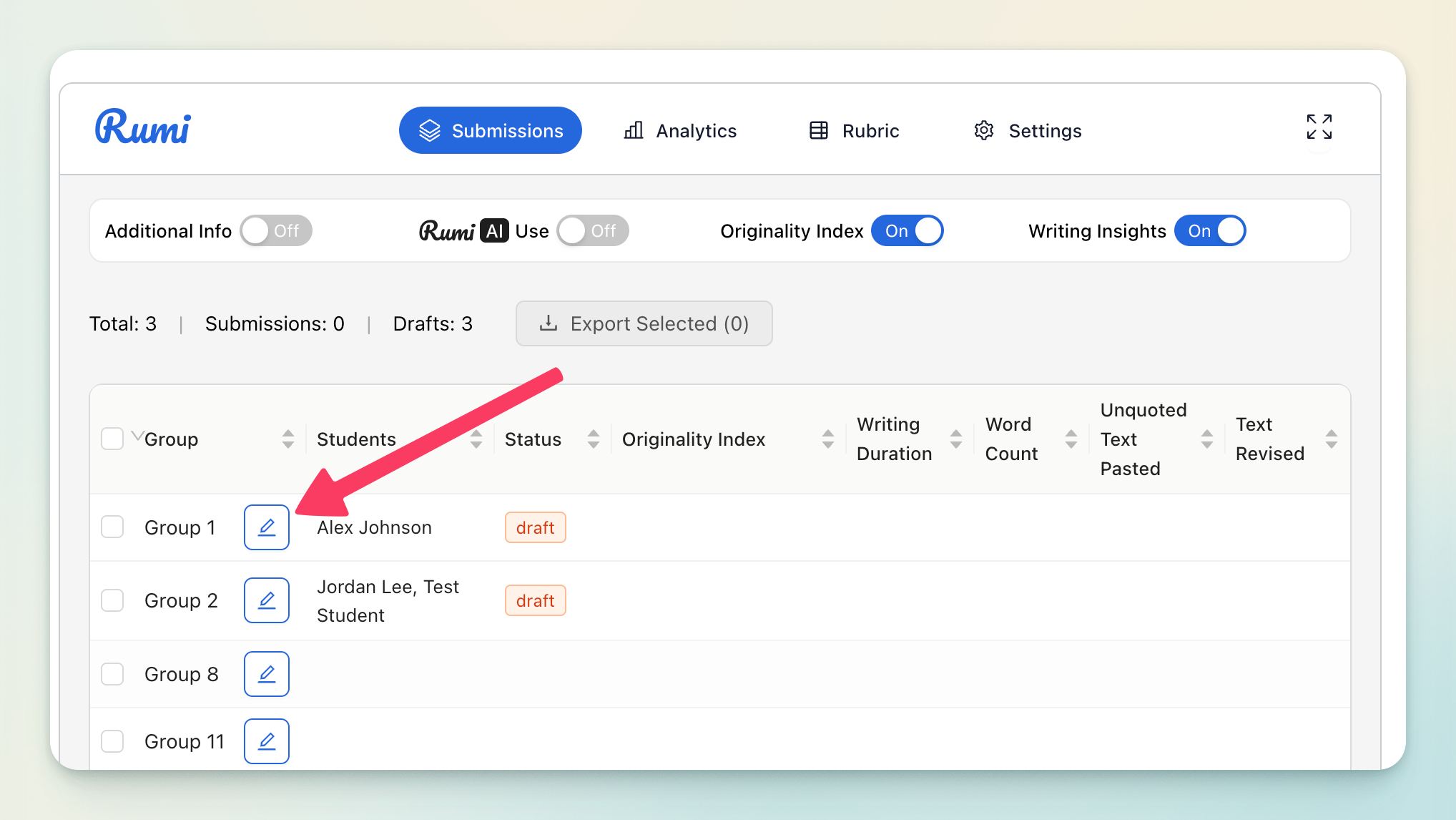
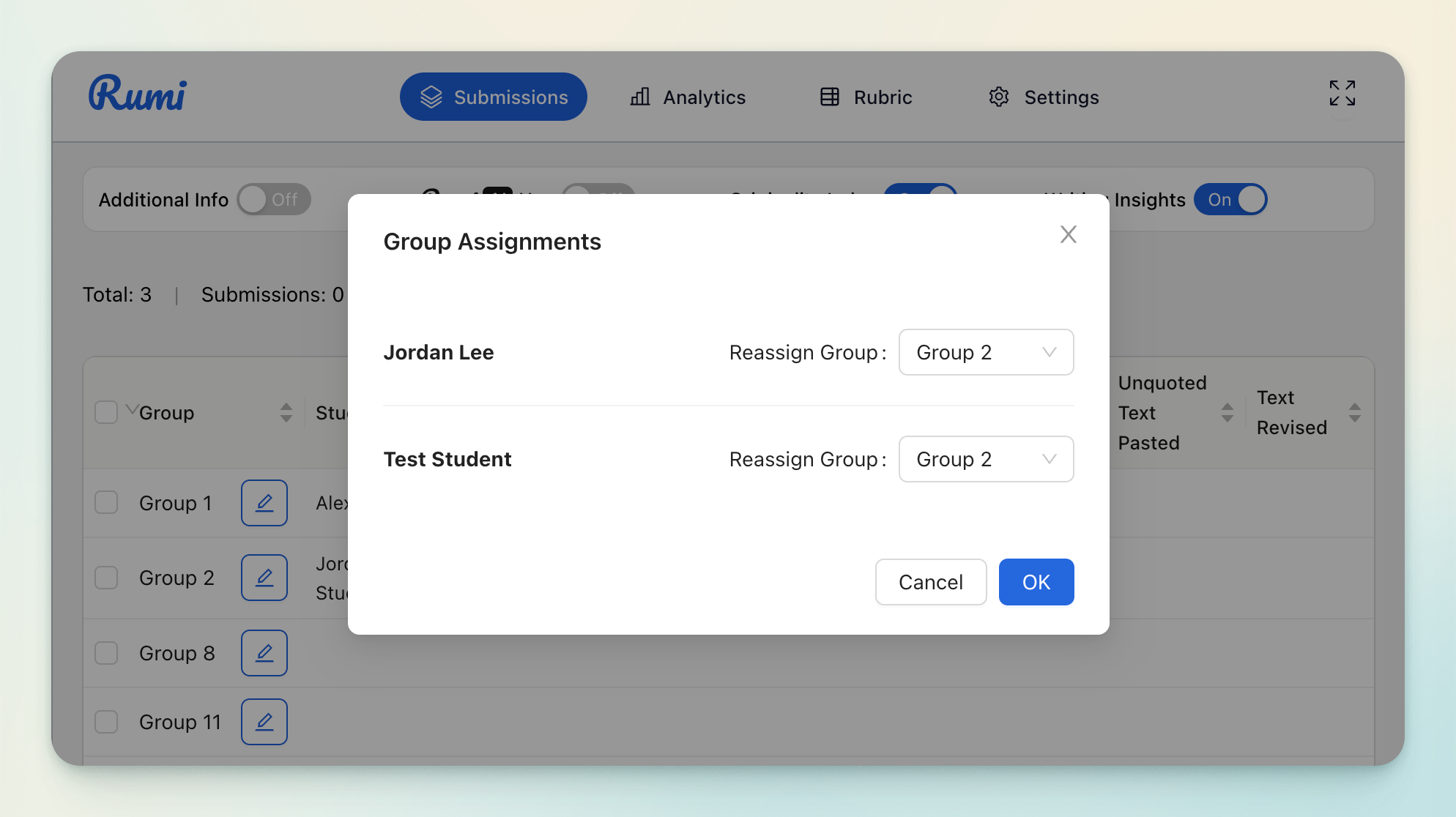
Instructors and administrators retain full control over group management throughout the assignment. They can reassign students to different groups or make adjustments as needed. This flexibility allows for corrections in group setup, accommodation of changes in class rosters, or adjustments to balance group sizes and workloads.
Grading
A group assignment must be created as a regular assignment in the LMS. When one student submits, only that single submission is sent to the LMS on behalf of the entire group.
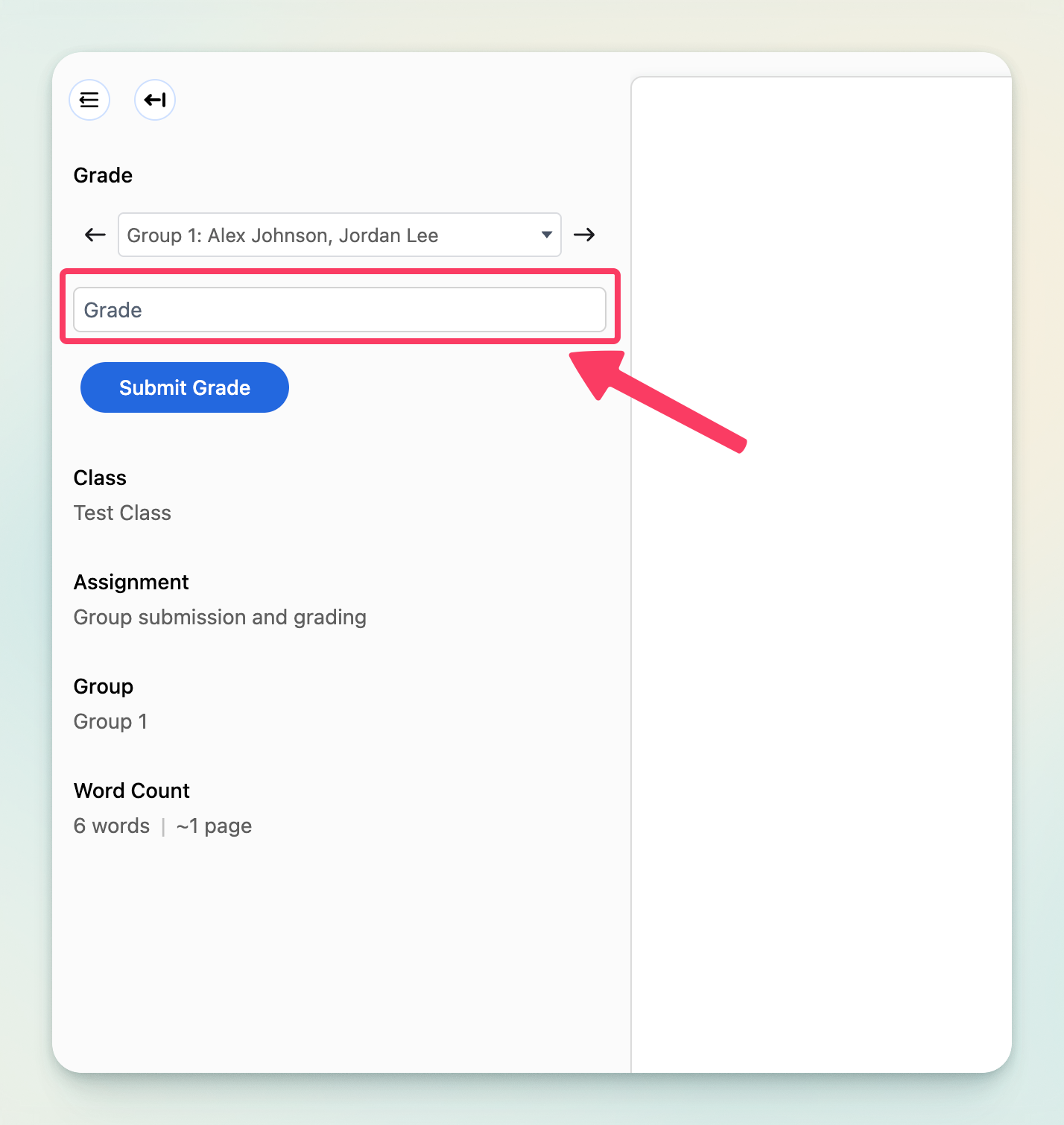
However, when grading is done in Rumi full-screen mode (screenshot below), the grades will be submitted to LMS for all students in the group.