Similarity Report
Intro
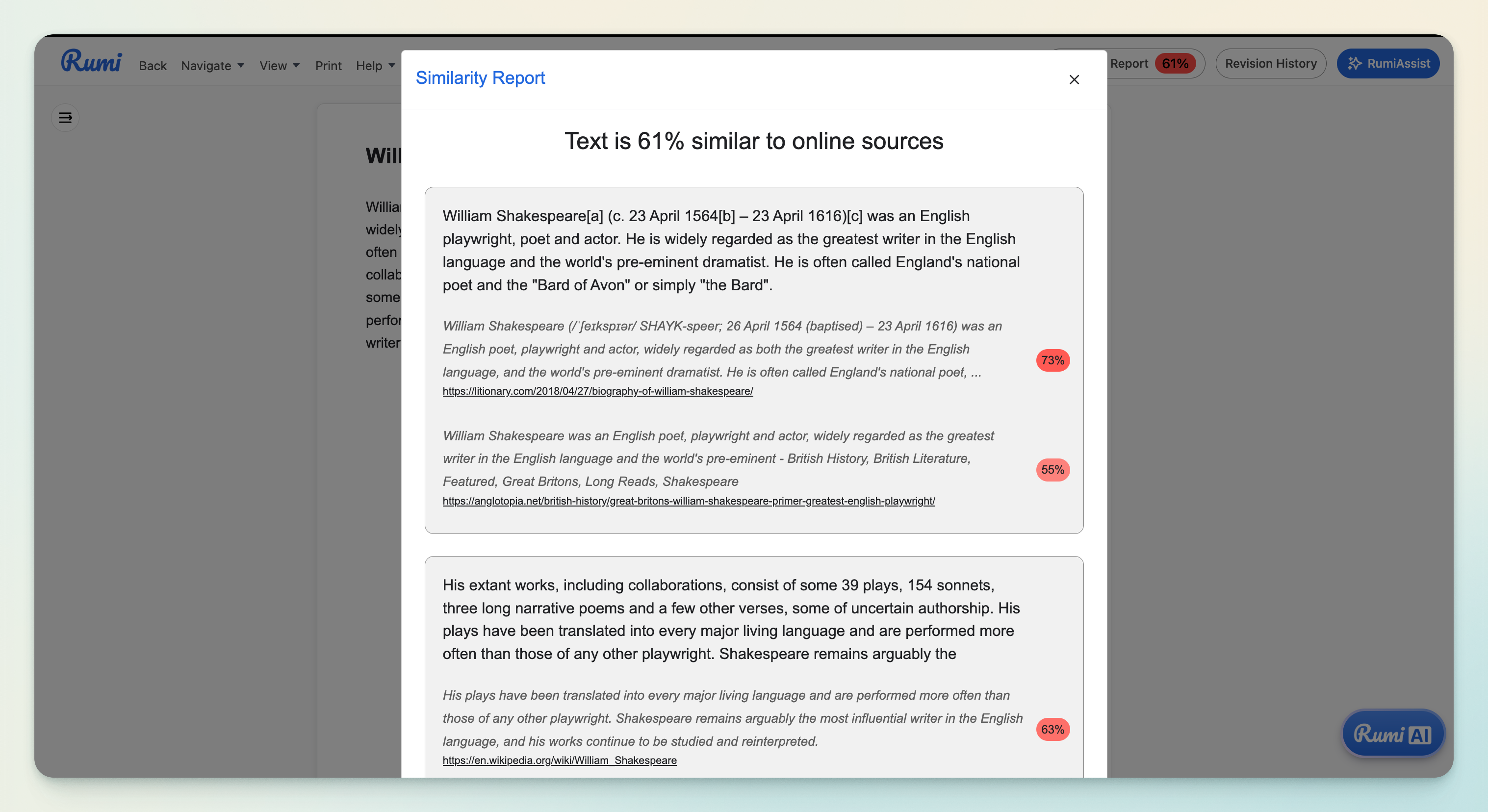
Rumi’s Similarity Report helps instructors check if portions of a student’s essay match publicly available text on the internet, such as Wikipedia or other online sources. The report includes links to potential source articles, allowing instructors to review and verify the context themselves.
How it Works
Rumi’s Similarity Report scans against publicly available internet sources only. Importantly, student-written content is never used for comparison with other students’ submissions. We believe this approach is essential because using student work as a comparison database can monetize student work without consent, as many students are unaware their writing may be stored and sold.
How to Access It
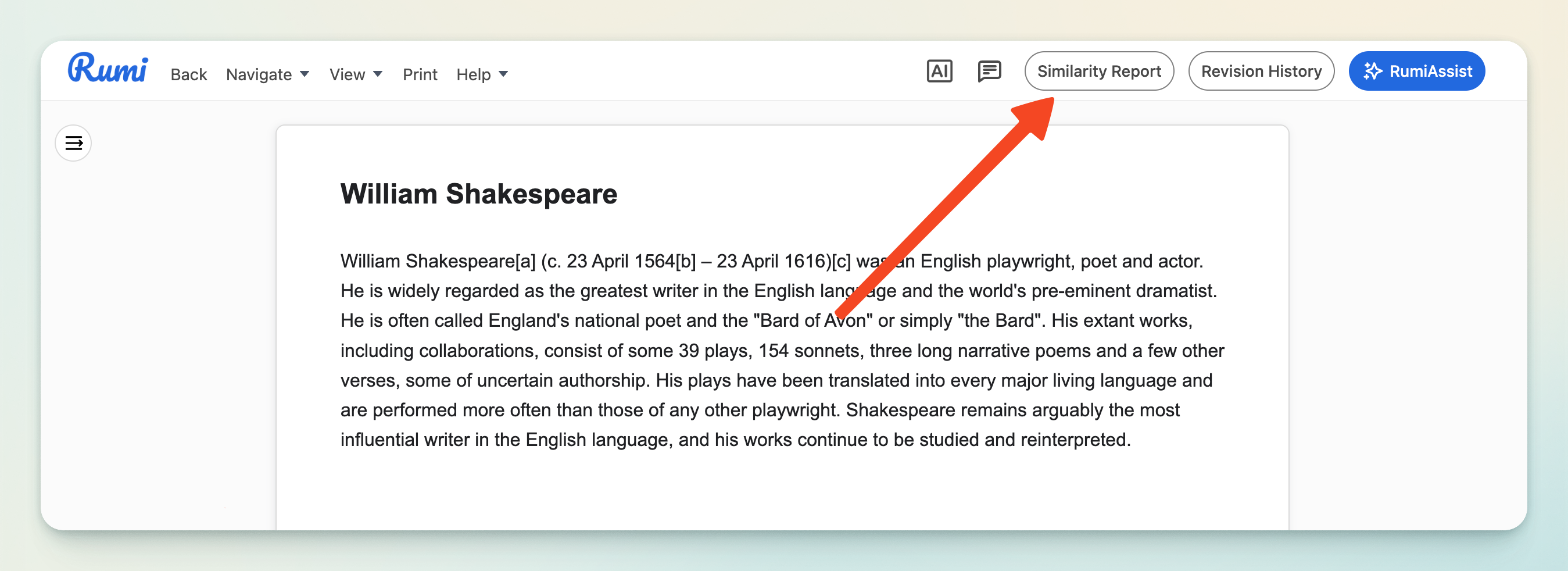
To access a Similarity Report, instructors simply click the “Similarity Report” button at the top of a document. The report will display flagged text alongside links to related sources for review.